

.kfpg Graph file with a StartNode, DialogueNodes and an EndNode. Files live under Resources/{languageEnglishName}/{folderName}/{langCode}.{fileName}.kfpg.
A complete graph
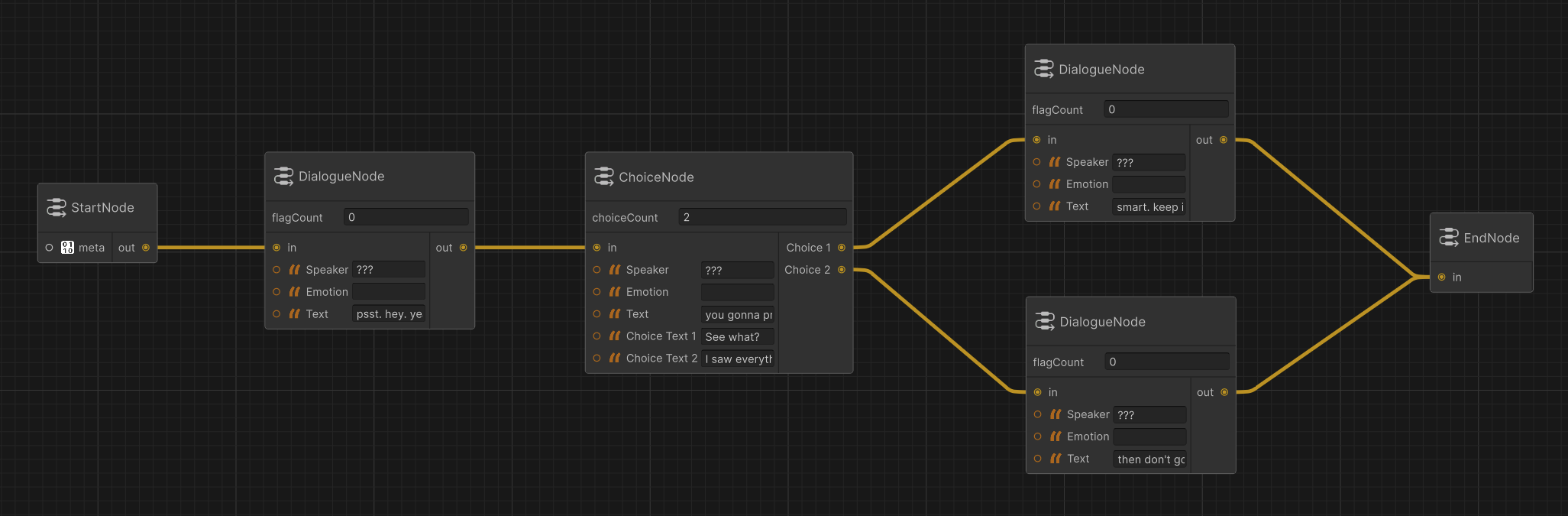 The rest of this page documents each node type in detail.
Node Types
Meta Node
Handles language and reading direction for the file. Used by Parley at load time and and used for UI layout decisions.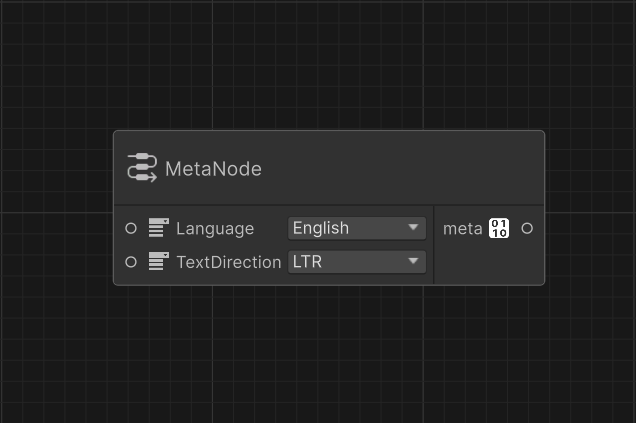
LanguageID
required
The language this file is authored in. See LanguageID.
TextDirection
required
Reading direction.
LTR or RTL. See TextDirection.MetaData
default:"Fallback MetaData"
The MetaData for the current file. Connected to a
MetaData utility node.Alias Node
Handles the reusable text snippets, organized asalias → key → value. Anywhere in dialogue text you write @alias.key, the value is substituted at import time. Useful for character names, titles, or any string you want to change in one place.
Aliases resolve into Speaker, Text, Emotion, and choice Text fields. Other fields (NextNode, flag names, etc.) are not alias-resolved.
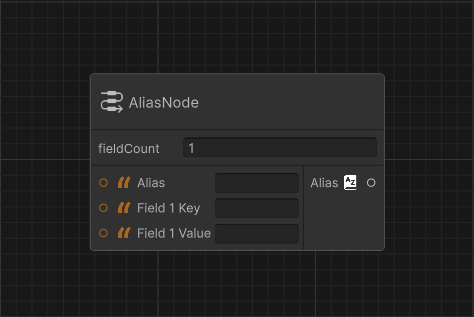 Ports
Ports
int
default:"1"
Number of flags on the current node.
string
required
The name of the alias.
string
required
Key for Field
X.string
required
Value of Field
X.Alias Group Node
Groups multiple Alias Nodes into one output port. Ports
Ports
int
default:"1"
Number of flags on the current node.
Alias
required
X Alias input port.Aliases
required
Aliases output to be connected tot he Start Node.
Start Node
Marks the beginning of the file, and handles metadata.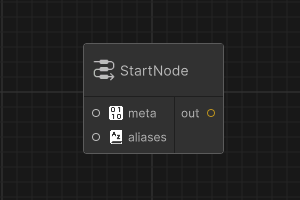 Ports
Ports
MetaData
default:"Fallback MetaData"
The MetaData for the current file. Connected to a
MetaData utility node.output
required
The output connection for the next node.
Dialogue Node
Spoken dialogue. The most common node type. Plain dialogue With flags
 Ports
Ports
input
required
The input connection from the previous node.
int
default:"0"
Number of flags on the current node.
string
required
Who’s talking.
string
How they feel.
string
required
What they say.
output
required
The output connection for the next node.
string
The flag
X to be set.Set Flags Node
A node that hanldes and sets all the flags you need, useful after a node that can’t set its own flags like the Branch Node.
input
required
The input connection from the previous node.
int
default:"1"
Number of flags on the current node.
string
required
The flag
X to be set.output
required
The output connection for the next node.
Choice Node
A dialogue node that presents the player with options. Same as a Dialogue Node but with aChoices list. When Choices is populated, NextNode on the parent is ignored and is prefered to not be set as it is semantically incorrent. The player’s selection determines the next node.
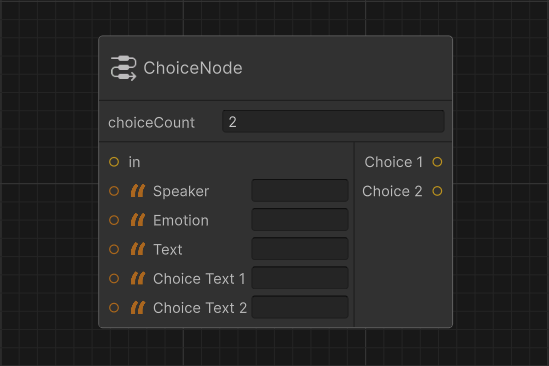
input
required
The input connection from the previous node.
string
required
Who’s prompting the choice.
string
Optional emotion tag.
string
required
The prompt itself.
int
default:"2"
Branch Node
A utility node that routes to one of two targets based on flag state. Branch nodes have no speaker or text. They’re invisible at runtime, used for control flow.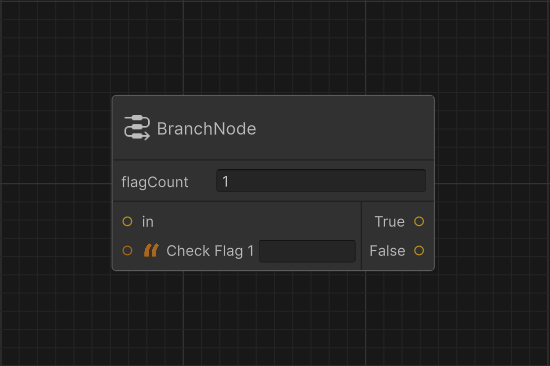
input
required
The input connection from the previous node.
int
default:"0"
Number of flags on the current node.
string
required
Flag
X that must be set for the True branch.output
required
Node to advance to when all flags are set.
output
required
Node to advance to otherwise.
False back to an earlier node in the conversation to create a loop.
End Node
Marks the beginning of the file, and handles metadata.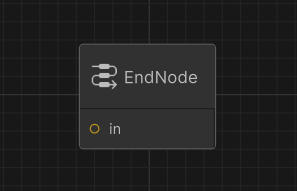 Ports
Ports
input
required
The input connection from the previous node.